Construction document control is the set of processes that keeps every person on a project working from the current, approved version of a drawing, spec, or contract, not just a folder where files sit. The goal is simple: stop field crews from building off superseded information. Of every practice in the discipline, automatic version supersession, making the outdated copy disappear the moment a new one is approved, delivers the biggest return.
TL;DR:
- Automatic version supersession is essential for preventing outdated drawings and documents from causing rework, which can cost up to 20% of a project’s contract value.
- Clear ownership and accountability for each document category, including drawings, RFIs, and submittals, are vital to maintaining trust in document currency.
- Implementing consistent naming conventions, approval workflows, and audit logs reduces the risk of using superseded information on site.
- Mobile offline access and linking RFIs and submittals directly to plan locations improve field accuracy and response time.
- Introducing AI into document control requires strict human oversight, security mapping, and phased testing to avoid systemic errors or security breaches.
Table of Contents
- What Construction Document Control Actually Covers
- Why Document Control Matters More Than Most Teams Realize
- Which Documents Carry the Most Risk If Control Fails
- The Operational Playbook: Core Practices That Actually Prevent Rework
- Who Owns Each Document Category on Your Project
- What to Look for in Document Control Software
- A 30/60/90-Day Rollout You Can Run Today
- Where AI Fits, and the Guardrails It Needs
- What Separates Projects That Actually Get This Right
- An Adjacent Path: Piloting Secure AI in Your Document Workflow
- Sources
- FAQ
What Construction Document Control Actually Covers
Document management is about storage: where files live, who can open them, how they’re backed up. Document control is about behavior: who approved this version, when it replaced the last one, and whether the person opening it right now can even see an outdated copy. That distinction is the whole ballgame, and a lot of teams get it wrong by buying a filing system and calling it control.
A real document control process follows a document through its entire life. It gets created, reviewed, approved, distributed to the people who need it, revised when conditions change, and eventually archived once the project closes. Each of those steps needs a record: who touched it, when, and why.

Skip the control layer and you get storage without accountability. Files pile up, three versions of the same drawing float around a shared drive, and nobody can say with confidence which one is current. That gap is exactly where rework, disputes, and change order arguments start. Storage answers “where is it?” Control answers “can I trust it?” Projects need both, but only one of them prevents costly mistakes in the field.
Why Document Control Matters More Than Most Teams Realize
Rework tied to bad information isn’t a rounding error. Poor data and miscommunication commonly drive rework costs to between 5% and 20% of the total contract amount, and research cited in that same analysis ties nearly 48% of U.S. rework directly to information-related failures rather than workmanship or material defects.
By the Numbers: Rework linked to poor data and miscommunication commonly runs 5% to 20% of a project’s contract value, with close to half of all U.S. rework traced back to information failures rather than bad workmanship.
That’s not a small crew missing a detail. That’s a systemic pattern of people building from the wrong document.
The failure mode is almost always the same story with different names attached. A subcontractor prints a set on Monday. Engineering issues a revision Wednesday. Nobody tells the sub, or the notice goes to an email nobody checks on-site, and by Friday a wall gets framed two feet off because the print in hand was already dead. Multiply that across drawings, specs, and RFIs on a single job and the cost compounds fast. Separate research on documentation quality and project success found that well-prepared, coordinated technical documentation, supported by a Scan to BIM workflow for Swedish projects, has a statistically significant positive effect on cost, schedule, and quality outcomes. Good documents don’t just avoid disaster. They actively improve project performance.

Which Documents Carry the Most Risk If Control Fails
Not every document deserves the same level of scrutiny. Some categories, if mishandled, cause a bad afternoon. Others cause a bad year.
- Drawings and plans: the highest-stakes category because crews act on them directly and immediately. A superseded sheet in the field is the single fastest route to rework.
- Specifications and contracts: define scope and legal obligation. Getting these wrong creates disputes that outlast the building.
- RFIs and responses: every RFI answer is technically a change to the documented design. Losing track of one means the field never gets the clarification, or acts on an answer that later got revised.
- Submittals and shop drawings: control fabrication and procurement. A missed revision here can mean the wrong material shows up on-site weeks after it was ordered.
- Change orders, daily logs, photos, meeting minutes, and closeout records: often treated as secondary, but procurement documents and meeting minutes carry outsized dispute and financial risk precisely because teams tend to neglect them until a claim forces a review.
The Operational Playbook: Core Practices That Actually Prevent Rework
Document control fails when it’s treated as a software purchase instead of a discipline. The tool matters less than the habits you build around it. Here’s the sequence that works on active jobs:
- Pick one authoritative repository and naming convention before mobilization. Every stakeholder needs to know, without asking, where the current set lives and how files are named. Inconsistent naming is the number one reason people open the wrong file.
- Turn on automatic version supersession. The old version shouldn’t just be marked outdated. It should be hard to accidentally open at all, with the current version showing by default every time.
- Define approval workflows, transmittal logs, and audit trails. Every distributed document needs a record of who sent it, who received it, and when. This is what protects you in a dispute.
- Use metadata and status fields, and link RFIs and submittals directly to the plan locations they affect. A change buried in an RFI thread is invisible until someone connects it to the actual drawing.
- Guarantee mobile and offline access with consistent field annotation practices. Field access and offline sync are treated as table stakes in modern document control; if a superintendent can’t pull the current set on a phone with no signal, the system has already failed at its core job.
- Set records retention policy before closeout, not during it. Waiting until the punch list is done to figure out what you’re keeping and for how long guarantees you’ll lose something important.
Pro Tip: Quality control and document control solve different problems, and treating them as one process is a common mistake. A drawing can be technically correct and still cause a failure if the wrong version reaches the field. Coordinate your design QA reviews with your version control rules so an approved document and a current document are always the same thing.
Who Owns Each Document Category on Your Project
Control breaks down fast when ownership is fuzzy. Every document category needs one accountable party, not a committee.
- The architect or engineer of record owns drawings and specifications, including issuing revisions and formal clarifications.
- The general contractor owns RFI and submittal distribution, tracking responses, and confirming the field received the update.
- The project manager owns transmittal logs, the audit trail, and records retention policy from kickoff through closeout.
- One named person, usually the PM or a designated document controller, issues “approved for install” status, with a clear escalation path when an approval stalls past an agreed deadline.
- Permission levels should separate who can issue a document, who can only view it, and who can annotate it in the field without altering the official record.
A simple owner list, even a one-page RACI chart, closes most of the gaps that let outdated documents slip through.
What to Look for in Document Control Software
Skip the vendor comparison and focus on capabilities. Whatever tool your team adopts should handle version control with true supersession, not just version numbers sitting side by side waiting for confusion. It needs slip sheeting so a revised drawing replaces the old one in place, and it should default to showing the current version without anyone having to search for it.
Approval workflows, transmittal generation, and complete audit logging aren’t optional extras. They’re the backbone of a defensible record if a dispute ever reaches arbitration. Mobile and offline sync matters just as much: crews need markup and annotation tools that work in a basement with no signal, and RFIs or submittals need to link directly back to the drawing locations they affect.
Integration is the last piece people check and the one that saves the most time. A tool that talks to your schedule, procurement, and closeout systems eliminates duplicate data entry, which is where a lot of version drift starts in the first place. Run any candidate tool through a short evaluation: does it enforce supersession automatically, does it work offline, does it log every approval, and does it connect to the systems your team already uses? If the answer to any of those is no, keep looking.
A 30/60/90-Day Rollout You Can Run Today
Getting control on a live job doesn’t require a six-month change program. It requires sequencing.
- Days 1 to 30: establish one source of truth, lock in your naming convention, assign document owners by category, and confirm every field team has working mobile access.
- Days 31 to 60: configure approval workflows and transmittal logs, train the full team on the new process, and run your first internal audit to catch gaps early.
- Days 61 to 90: tighten your records retention policy, extend the process to additional projects, and document what broke so the next rollout is faster.
| Audit Check | What to Look For |
|---|---|
| One source of truth | No competing shared drives or personal copies in circulation |
| Version supersession | Old versions are unreachable, not just labeled outdated |
| Naming convention | Every file follows the same pattern without exceptions |
| Field access | Current documents open on mobile, offline, in under 30 seconds |
| Approval trail | Every distributed document has a logged transmittal record |
Where AI Fits, and the Guardrails It Needs
AI is genuinely useful for document control when it’s scoped narrowly: auto-classifying incoming files, extracting metadata, linking related RFIs and drawings, and flagging likely conflicts between a spec and a submittal before a human even opens them. What it should never do is approve anything unsupervised.
Any pilot needs human-in-the-loop review on approvals, regular permission audits, clean training data, and full logging of what the system touched and when. Start small: one document category, one measurable success metric, a rollback plan if it underperforms, and a security review before it touches live project files.
Pro Tip: Before letting AI touch your document workflow, map exactly which systems it can read and write to. A tool that can misfile a submittal is inconvenient. A tool that can auto-approve one is a liability.
What Separates Projects That Actually Get This Right
Most teams buy software first and hope discipline follows. It rarely does. The projects that get document control right start with accountability: one owner per category, one naming convention, no exceptions in week one. Tooling comes second, and only after someone has proven the process works on a small scale with real numbers behind it.
The test I’d apply to any system before scaling it: can the superintendent open the current drawing on a phone with no signal, in under a minute, without calling the office? If not, the fanciest document control software in the world won’t save the schedule.
— Randy Bryan
An Adjacent Path: Piloting Secure AI in Your Document Workflow
Rolling out AI-assisted document control on your own carries real risk if nobody on the team is watching for permission gaps or bad training data. tekRESCUE approaches this differently than a typical AI consultant pitching automation for its own sake: the AI Profit and Growth Assessment maps where AI can safely accelerate document workflows, then flags the specific security exposures that come with automating access to your drawings, contracts, and RFIs before you commit to a rollout.
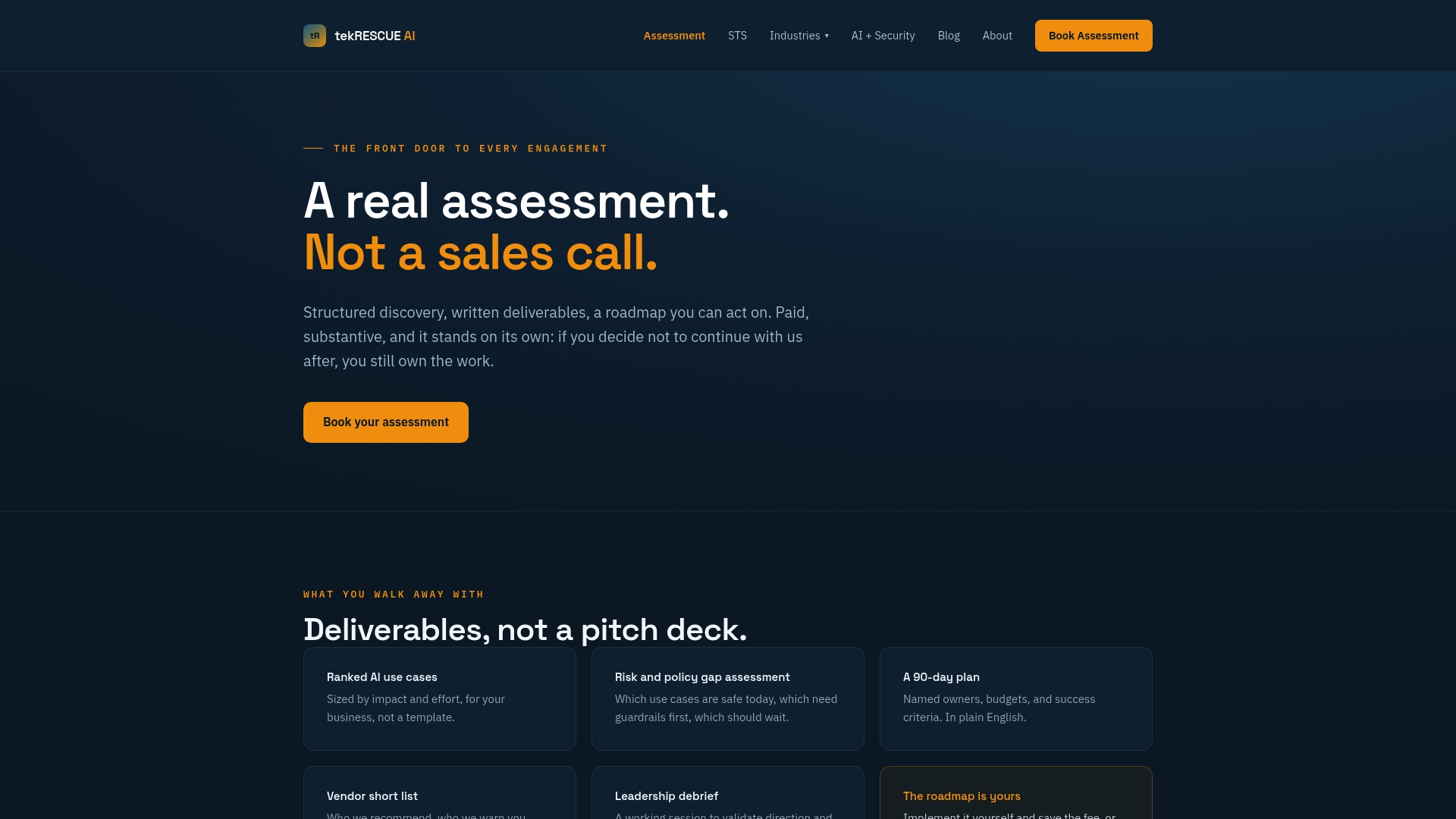
tekRESCUE AI integrates cybersecurity considerations into the AI rollout process and offers tailored roadmaps based on project mix and tooling. If your team wants an outside partner to pressure-test a pilot before scaling it across live jobs, book the AI Profit and Growth Assessment and get a clear read on where automation actually earns its keep.
Sources
- The cost of rework in construction | Mitre
- Documentation quality and project success, Frontiers in Built Environment, 2026
- Construction Document Management: 2026 Guide | Bluebeam
FAQ
What does construction document control mean?
It’s the discipline of ensuring every person on a project works from the current, approved version of drawings, specs, and other project records, using version control, approval workflows, and audit trails rather than a single shared folder.
What is the best CRM for construction?
There’s no single best fit for every company; the right choice depends on whether you need strong document version control, field mobile access, or deep integration with scheduling and procurement systems, so evaluate against those specific needs rather than a generic feature list.
Is document control a stressful job?
It can be, especially on large projects with many change orders and tight deadlines, but the stress drops sharply once automatic version supersession, clear ownership, and audit trails are in place, since those remove the guesswork that causes most last-minute panic.
What should be included in document control?
At minimum: drawings and specs, RFIs and responses, submittals and shop drawings, change orders, meeting minutes, daily logs, and closeout records, each with a defined owner, approval workflow, and retention policy.